> For the complete documentation index, see [llms.txt](https://docs.otherside.xyz/llms.txt). Markdown versions of documentation pages are available by appending `.md` to page URLs; this page is available as [Markdown](https://docs.otherside.xyz/odk-docs/characters/creating-a-custom-character/creating-a-simple-avatar-collection/setting-up-the-boxie-collection.md).
# Setting Up The Boxie Collection
Since this collection doesn't actually exists we are going to make it ourselves. Feel free to skip this portion and just grab the trait metadata from the resources [Creating A Simple Avatar Collection](/odk-docs/characters/creating-a-custom-character/creating-a-simple-avatar-collection.md#resources).
The Boxie collection only has three different traits categories:
* Head
* classic box
* sphere
* smiley face
* Upper
* classic red
* classic blue
* classic purple
* metallic red
* metallic blue
* metallic purple
* polka dots
* stripes
* Lower
* dark
* light
Let's make a collection of 100 boxies. This is going to be a very rudimentary collection generation in python.
```python
import random
import json
SEED = 92310
OUTPUT_FILE = "boxie_metadata.json"
"""
List of tuples where the first item is the name of the trait
and the second item is the total supply of that trait.
"""
head = [
("classic box", 60),
("sphere", 30),
("smiley face", 10)
]
upper = [
("classic red", 18),
("classic blue", 18),
("classic purple", 18),
("metallic red", 12),
("metallic blue", 12),
("metallic purple", 12),
("polka dots", 6),
("stripes", 4),
]
lower = [
("dark", 60),
("light", 40)
]
random.seed(SEED)
def populate_list(trait_list):
"""
Create a list of the full population of traits
"""
populated_list = []
for trait_name, trait_count in trait_list:
populated_list.extend([trait_name for _ in range(trait_count)])
return populated_list
# populate all lists and shuffle them
head_populated = populate_list(head)
random.shuffle(head_populated)
upper_populated = populate_list(upper)
random.shuffle(upper_populated)
lower_populated = populate_list(lower)
random.shuffle(lower_populated)
collection = []
for token_id in range(100):
token_data = {
"id": token_id,
"name": f"Boxie {token_id}",
"image": "https://fake-collection-api.io/images/token_id.jpg",
"mml": "https://fake-collection-api.io/mml/token_id.jpg",
"attributes": [
{"value": head_populated[token_id], "trait_type": "head"},
{"value": upper_populated[token_id], "trait_type": "upper"},
{"value": lower_populated[token_id], "trait_type": "lower"},
],
}
collection.append(token_data)
with open(OUTPUT_FILE, "w") as f:
json.dump(collection, f, indent=4)
```
You can run this script directly in Blender by:
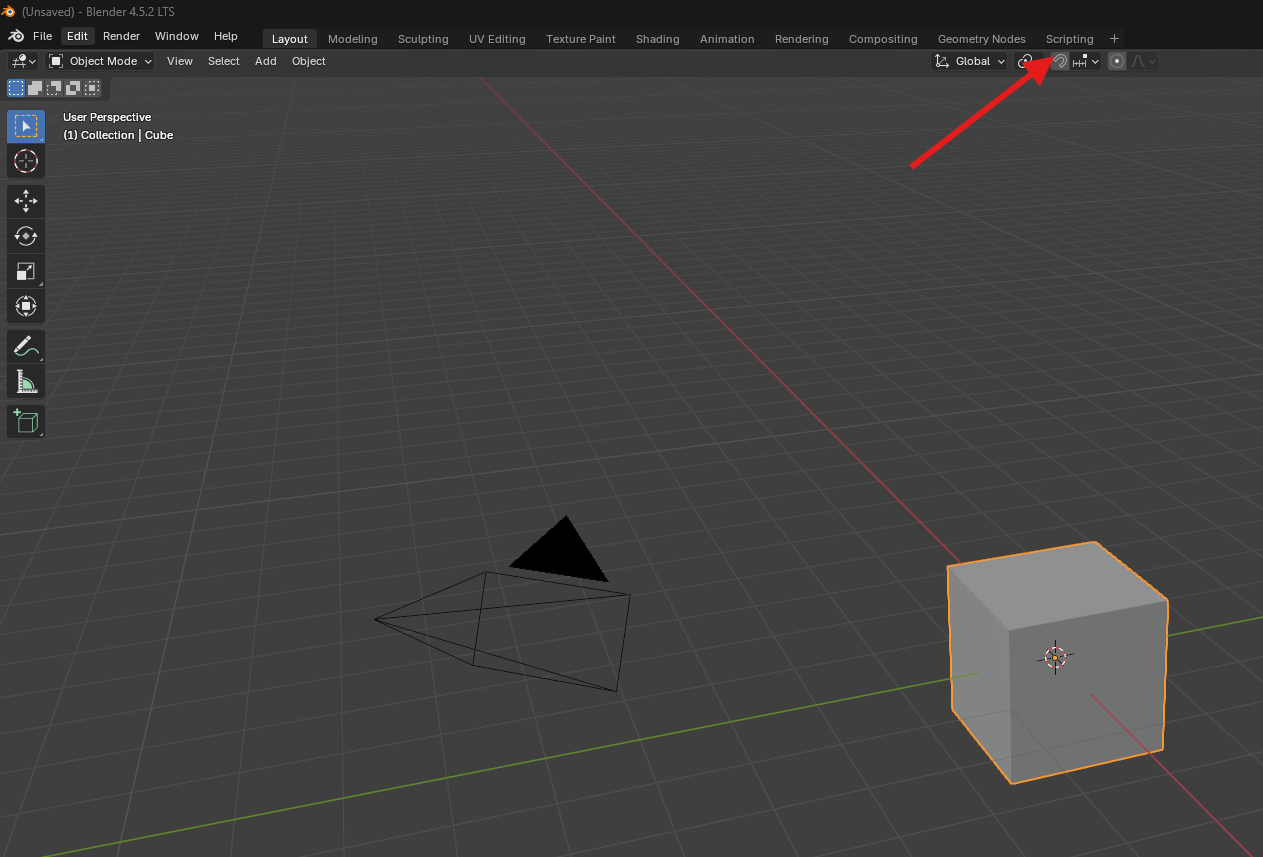
* Changing the view to the scripting tab
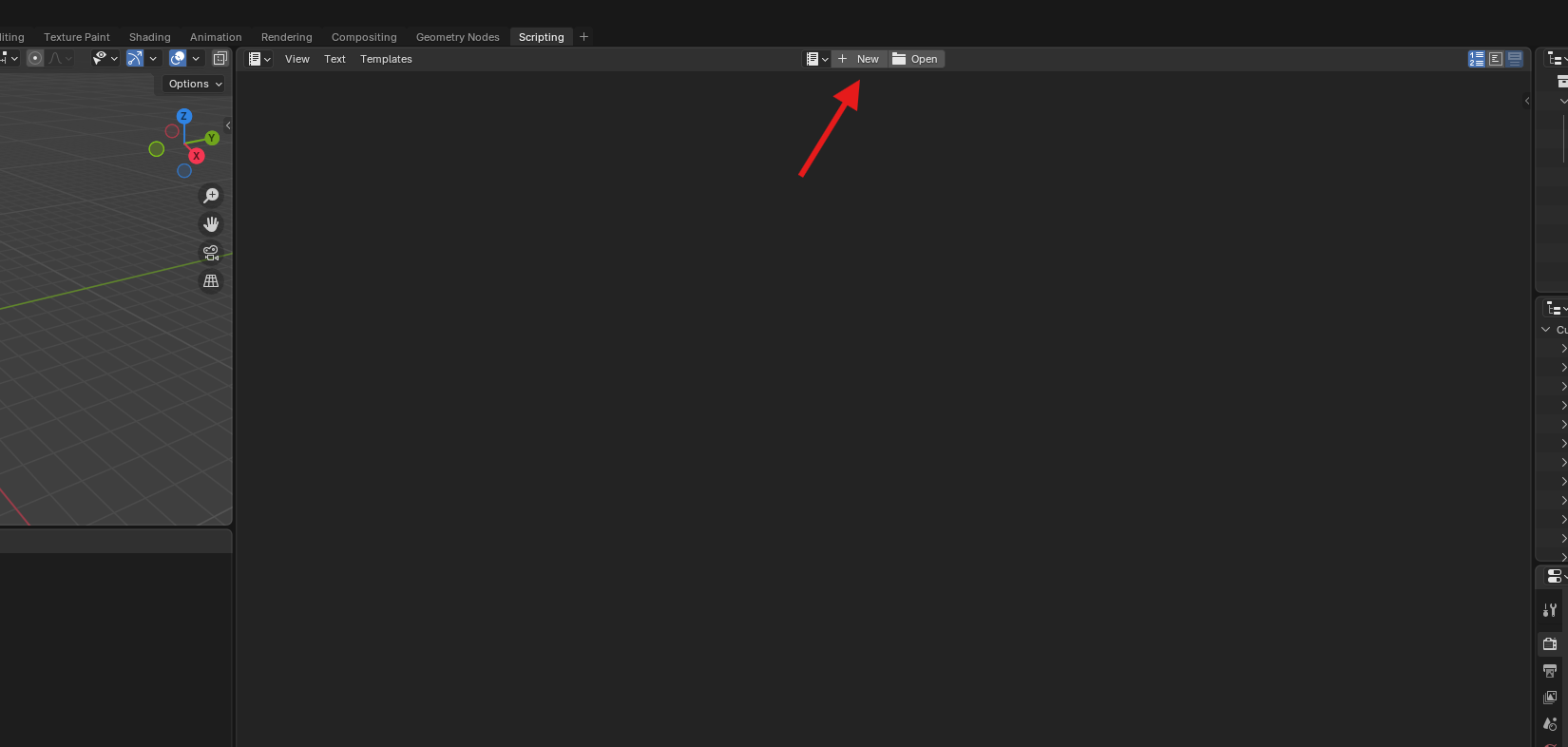
* Create a new text block by clicking the `New Button`
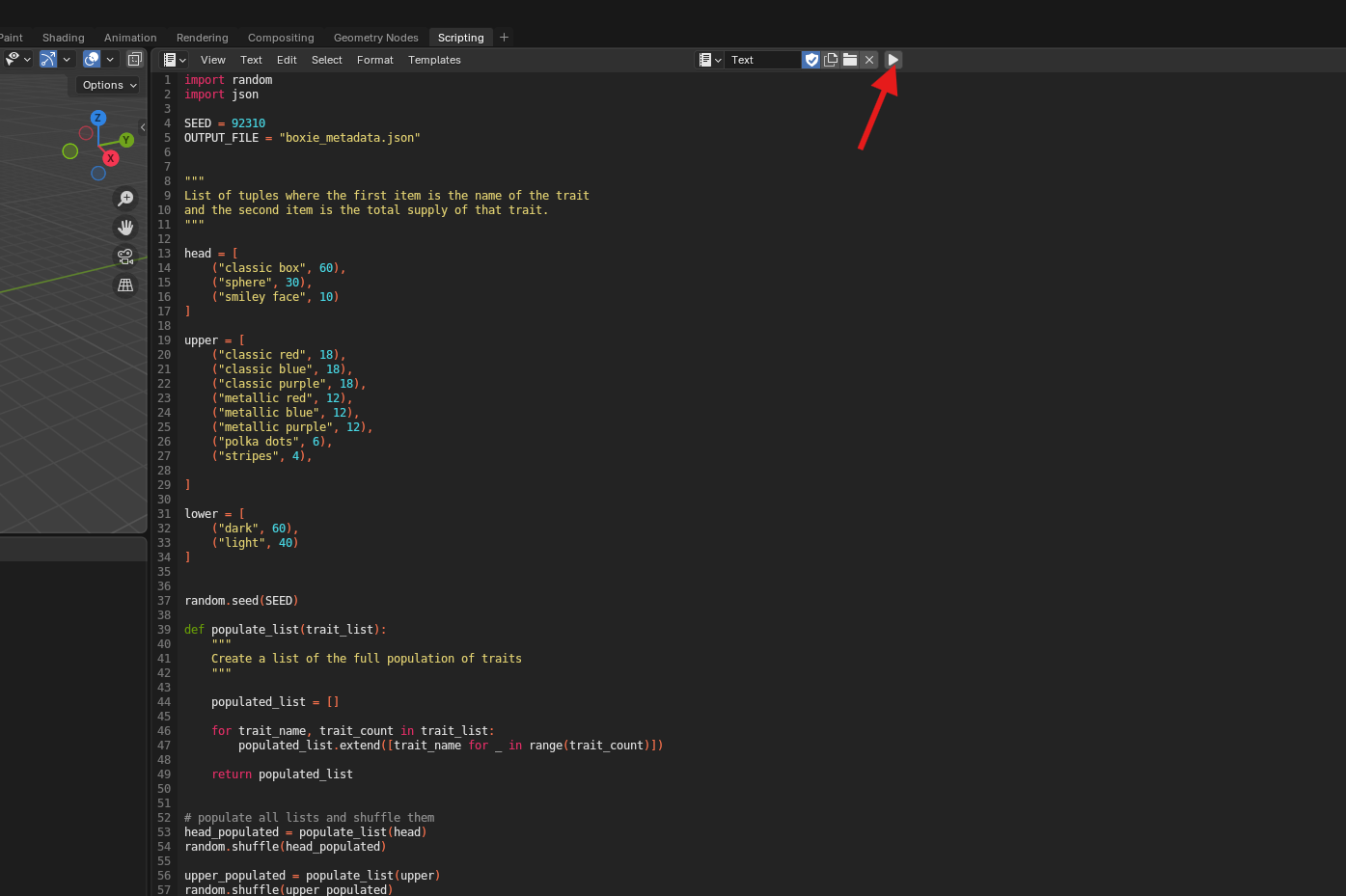
* Paste the script above into the text block, you can change the variable `OUTPUT_FILE` to a location that makes sense for you, like in a folder for this project. Then press the run button.
This should save out a JSON file that is structured like an NFT collection metadata.
{% file src="/files/ECp4duvC0rm0jjh3D40A" %}
---
# Agent Instructions
This documentation is published with GitBook. GitBook is the documentation platform designed so that both humans and AI agents can read, navigate, and reason over technical content effectively. Learn more at gitbook.com.
## Querying This Documentation
If you need additional information that is not directly available in this page, you can query the documentation dynamically by asking a question.
Perform an HTTP GET request on the current page URL with the `ask` query parameter, and the optional `goal` query parameter:
```
GET https://docs.otherside.xyz/odk-docs/characters/creating-a-custom-character/creating-a-simple-avatar-collection/setting-up-the-boxie-collection.md?ask=&goal=
```
`ask` is the immediate question: it should be specific, self-contained, and written in natural language.
`goal` is optional and describes the broader end goal you are ultimately trying to accomplish on behalf of the user. GitBook uses it to tailor the answer towards what is most useful for that goal.
The response will contain a direct answer to the question and relevant excerpts and sources from the documentation.
Use this mechanism when the answer is not explicitly present in the current page, you need clarification or additional context, or you want to retrieve related documentation sections.